
Virtual Try-On
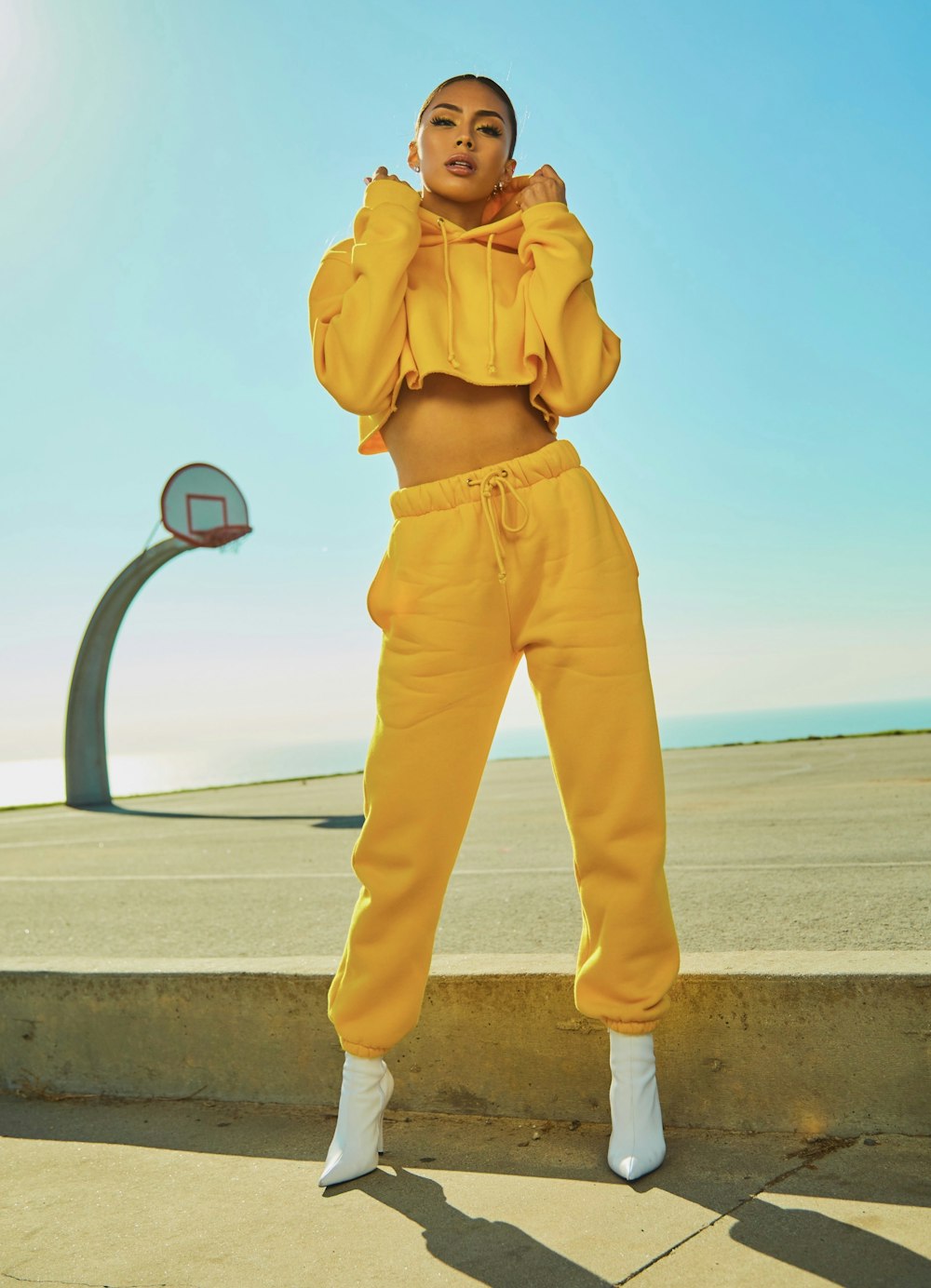
Virtual Try-On Tool
Welcome to the ultimate Virtual Try-On experience developed by Creshy. This advanced web utility allows you to visualize clothing items on your photos instantly without the need for complex photo editing software.
What is this Tool?
This is a browser-based augmented reality (AR) style preview tool. It enables users to overlay garment images onto a base photo, providing a real-time preview of how a style might look. It simplifies the decision-making process for fashion enthusiasts and online shoppers.
Features
- Dynamic Uploads: Instant local file support for both models and apparel.
- Drag & Drop Interface: Intuitive positioning of garments using mouse or touch gestures.
- Real-time Manipulation: Scale and rotate clothing items for a perfect fit visualization.
- High Compatibility: Works directly in your browser without plugins.
How to Use: Step-by-Step Guide
- Upload Model: Click the “Upload Your Photo” button to set your base image.
- Upload Apparel: Select your desired garment (PNG recommended for transparency).
- Positioning: Click and drag the garment to align it on the model.
- Fine-Tune: Use the “Adjust Size” and “Rotate” sliders to match the perspective.
Frequently Asked Questions (FAQ)
1. Can I use this tool on my mobile phone?
Yes, the Creshy Virtual Try-On is fully responsive and optimized for touch devices.
2. What image format is best for the garment?
For the best results, use transparent PNG files to ensure no background blocks your view.
3. Does this tool save my photos on a server?
No, all processing happens locally in your browser. Your images remain private.
4. How to calculate the perfect fit?
Use the “Adjust Size” slider to scale the garment until it visually matches the dimensions of your body silhouette.
5. Can I undo my changes?
You can simply refresh the page to reset the workspace to its default state.
6. Is this tool free to use?
Absolutely, Creshy provides this tool free of charge for your convenience.
7. Why is my garment image blurry?
This is likely due to the low resolution of your uploaded image. Use high-definition files for better quality.
8. How to align the clothing accurately?
Drag the item to the center of the chest or shoulders and use the rotation slider to align it with the body posture.
9. Do I need an internet connection?
Once the page is loaded, the tool works offline as it processes images locally.
10. Can I share my try-on results?
You can take a screenshot of your screen once you are satisfied with the adjustment.